The practical answer
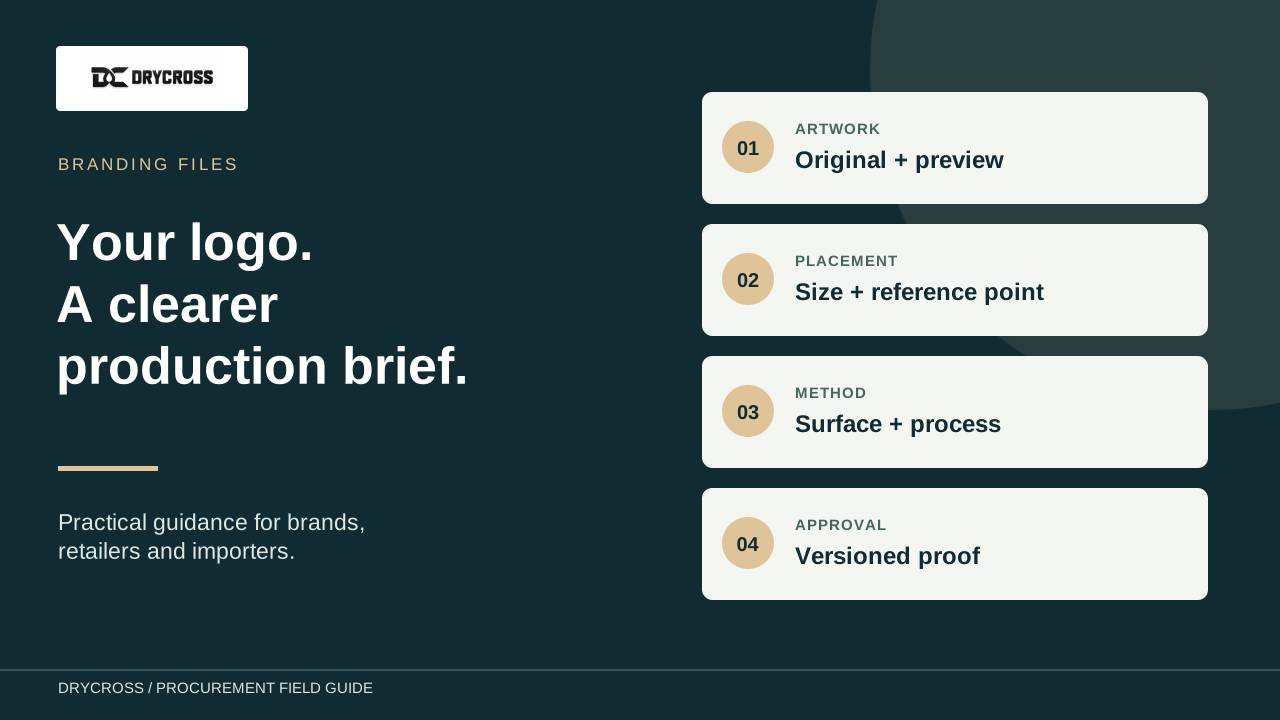
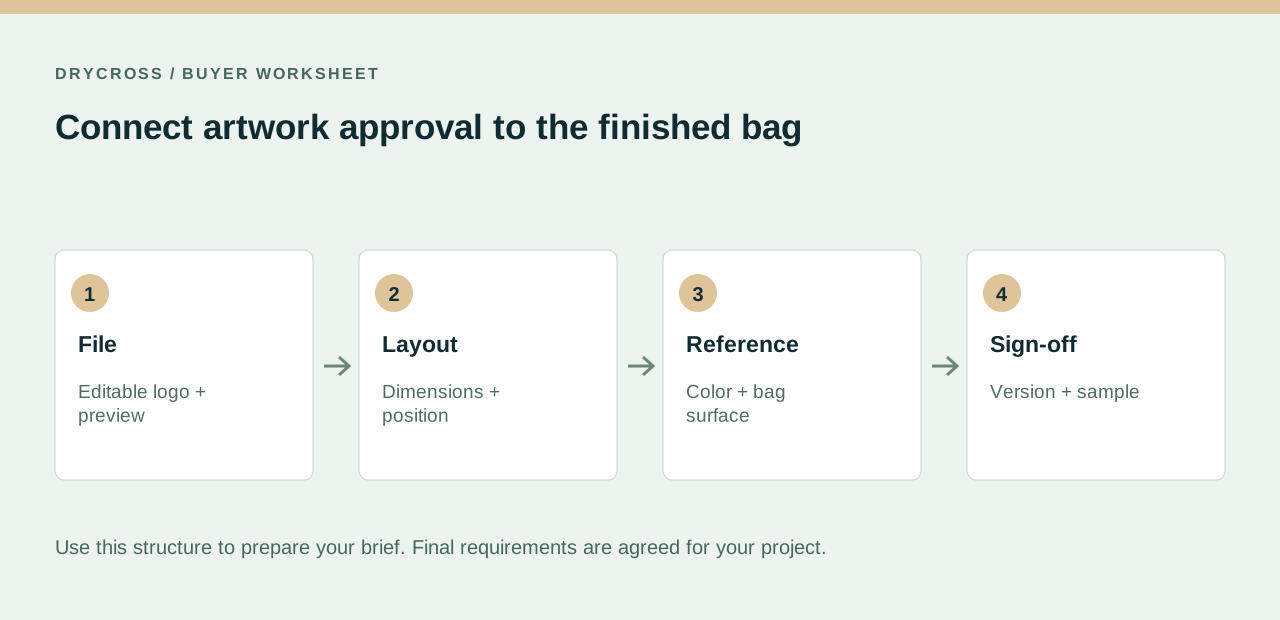
Prepare an artwork package with the selected model, editable logo where available, a visual preview, dimensions, placement and color references. Ask which file formats and branding methods suit the chosen surface. Approve a versioned layout and any required physical sample before production.
Build a small artwork package with a named owner
Create a folder containing the original logo, a readable preview and a placement sheet. Give the package a revision number and identify who can approve changes. Tell the supplier which file is the production reference; multiple files called final can create confusion even when each opens correctly.
Include the model, bag color, proposed quantity and destination. These details help connect the artwork to the actual project. If several logos or languages are required, list them as separate variants rather than expecting the supplier to infer them from a folder of images.
Choose files that can support the intended output
Editable vector artwork is useful when a logo must be scaled because its shapes are defined as paths. A raster image is defined by pixels, so its suitability depends on the available detail and intended output size. Ask the supplier which format is accepted for the proposed branding method. A file extension alone does not establish that the artwork inside is editable vector content.
Send a visual preview alongside the editable file so lettering and layout can be checked. If fonts or linked assets are involved, ask how they should be packaged or converted. If redrawing is needed, agree who approves the recreated artwork before it becomes the production reference.
Specify placement on the finished bag
Mark the position on a photograph or drawing of the selected style. Give the logo dimensions in a stated unit and measure its location from an agreed feature. Note seams, windows, pockets and closure folds that could affect the available panel.
Review how the mark will appear when the bag is filled, carried or closed. A design centered on a flat panel may look different on the finished product. Avoid treating a digital mockup as approval of every production detail; use it to resolve the layout questions it can actually show.
Confirm the branding method for the surface
Discuss the surface texture, artwork detail, number of colors and intended handling. Ask whether the proposed method has limitations around small lettering, thin lines or placement near edges. The sample should represent the agreed combination of bag material and branding.
Do not assume that a method illustrated by another manufacturer is available for every DryCross style. Describe the result you want first, then review the feasible route. If branding changes the construction or adds an attachment, discuss any implications for the product specification and required evidence.
Agree a color review and a proof workflow
Identify the relevant color reference and state which part of the artwork it applies to. Screens and photographs help discuss a design, but they do not replace an agreed physical review where color consistency matters. Ask what sample or reference will be used for approval on the selected substrate.
Track each revision with a short change note. Check spelling, logo size, orientation and placement before signing off. If a later file changes the color count or detail level, ask whether setup, cost or schedule needs another review rather than assuming the original approval still applies.
Keep packaging files connected to the product files
Brand identity may include a hangtag, instruction card, label or outer package as well as the bag logo. Give each item its own file reference and dimensions. Include barcode or retailer requirements where applicable, and identify which team is responsible for checking them.
Finish with an approval record naming the bag model, artwork revision, placement, method and packing files. DryCross can review your logo brief for an existing style or include it in a wider customization discussion. Keep the approved package for reorders, then review any proposed changes before production.
Use this table in your supplier discussion
| File or instruction | Include | Approval check |
|---|---|---|
| Logo package | Original artwork and visual preview | Correct revision and lettering |
| Placement sheet | Model, dimensions and reference points | Finished shape and clear panel |
| Color reference | Reference and applicable logo areas | Agreed physical review |
| Branding method | Surface and desired result | Model-specific feasibility |
| Packing files | Item references and layouts | Matches product approval |
Your sourcing checklist
- Model/SKU and bag color
- Logo file and version
- Placement and dimensions
- Color references
- Quantity and sample approval requirements
Keep these details with the selected model and quantity so the supplier can review the actual scope.
Buyer questions
Is a screenshot suitable as a final logo file?
Send it as a reference, but ask whether original artwork or redrawing is needed for the selected output.
Is every PDF a vector file?
No. The file can contain raster images. Ask the supplier to review the actual artwork.
Can a logo be approved only from a digital mockup?
A mockup helps approve layout. Discuss any physical sample or color review needed for the chosen material and method.
What should I send for multiple artwork variants?
Provide a quantity breakdown and an identified file version for each variant.
Technical background
Adobe: vector artwork in logo design. These references provide background; they do not certify a DryCross model or replace project-specific review.
BUILD A CLEARER PROJECT BRIEF
Discuss the next step with DryCross
Send your selected model or reference, quantity, destination and the requirements gathered from this guide.
Send your model and logo brief for review ↗